
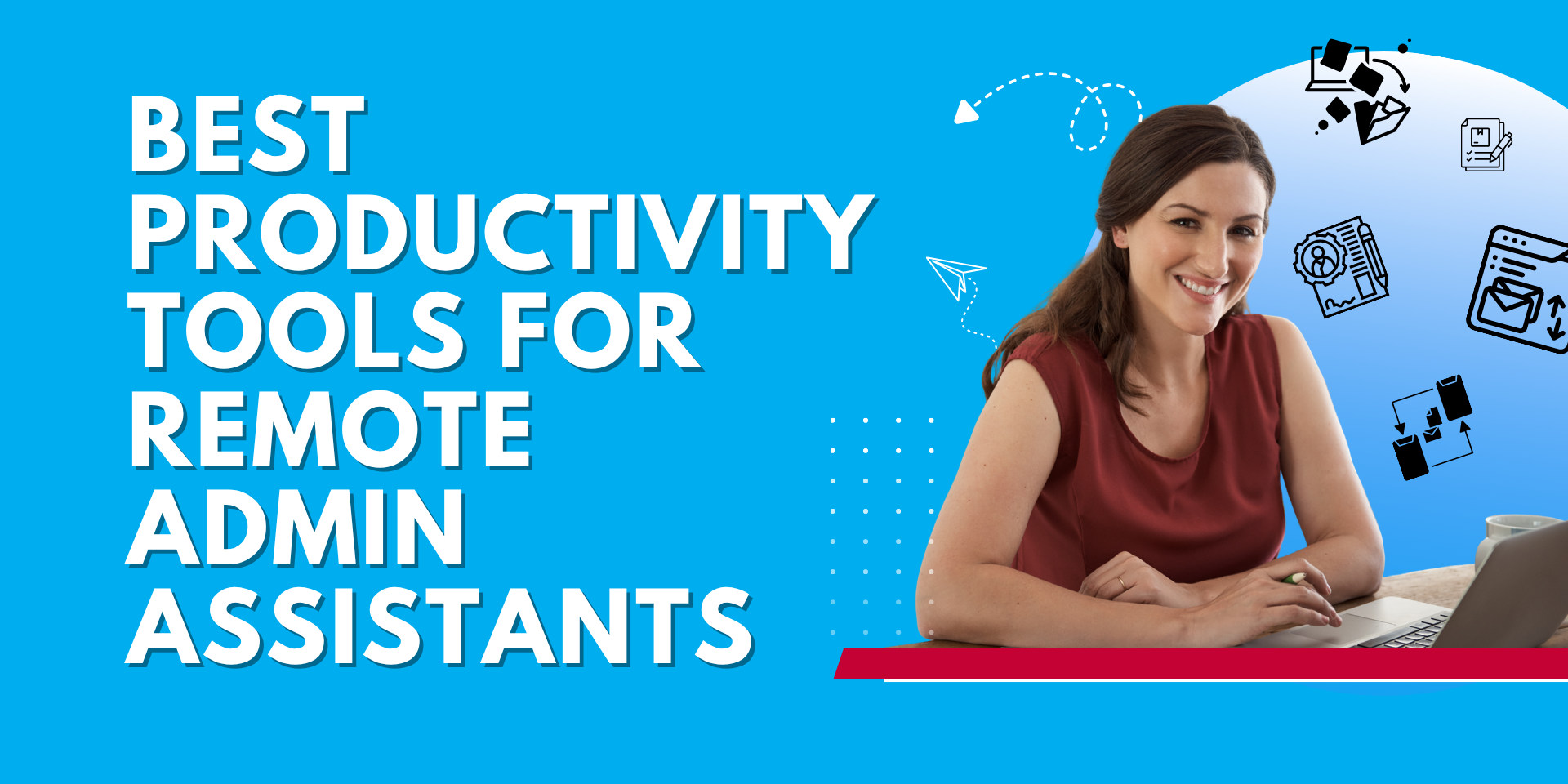
When you hire a Remote Administrative Assistant (RAA), you’re not just bringing in extra hands, you’re adding someone who can keep your business running smoothly behind the scenes. But here’s the thing: even the most talented assistant needs the right tools to thrive.
If you’re considering hiring a remote admin, you’ll want to make sure they’re already comfortable with the platforms your business runs on, or can quickly adapt to them. The good news? Most Filipino RAAs are already well-versed in the top productivity tools U.S. businesses use every day.
Let’s take a look at the must-know tools every RAA should have in their toolkit.
Google Workspace is the backbone of many small businesses. From creating documents and spreadsheets to managing team calendars, it’s where collaboration happens.
- Why it matters: An RAA can organize schedules, update spreadsheets, and keep files neatly stored in Drive so you’re never scrambling to find what you need.
- Pro tip: Look for an assistant who’s comfortable with advanced features in Google Sheets (like formulas and pivot tables) if reporting is a big part of your workflow.
Some companies prefer Microsoft 365 over Google Workspace—and many RAAs are skilled in both.
- Why it matters: Tools like Outlook, Word, and Excel remain staples for corporate teams, and having an assistant who knows them well means smoother collaboration.
- Pro tip: Ask if they’re comfortable managing shared inboxes in Outlook or building reports in Excel.
Communication Tools (Slack, Microsoft Teams, Zoom)
Clear communication is the heart of remote work. RAAs who know their way around messaging and video platforms can keep your team aligned without missing a beat.
- Why it matters: Whether it’s updating you in Slack, hosting a quick Zoom call, or coordinating in Teams, these tools eliminate the “lag” of email-only communication.
- Pro tip: A great assistant doesn’t just know the tools—they also know how to set boundaries (like using Slack statuses) to keep workflows productive, not overwhelming.
Ever feel like your to-do list is scattered across sticky notes, email threads, and your head? That’s where project management tools come in.
- Why it matters: A RAA can set up task boards, assign deadlines, and track progress so you always know what’s on deck.
- Pro tip: Trello is visual and beginner-friendly, while ClickUp and Asana are more powerful for teams with lots of moving parts.
CRM Software (HubSpot, Salesforce, Zoho)
If customer relationships are at the core of your business (and for most businesses, they are), your RAA should be comfortable using a CRM.
- Why it matters: Whether it’s logging calls, updating client records, or scheduling follow-ups, an assistant who knows your CRM can save you hours each week.
- Pro tip: Even if your RAA isn’t a sales pro, their ability to keep CRM data clean and up to date will directly impact customer satisfaction and retention.
- Accounting & Invoicing Tools (QuickBooks, Xero, FreshBooks)
Money management isn’t just for accountants. Many RAAs help with basic bookkeeping tasks like sending invoices, tracking expenses, or reconciling payments.
- Why it matters: An assistant who can handle these tasks reduces your stress and ensures your books don’t get messy.
- Pro tip: While they shouldn’t replace your CPA, a RAA familiar with QuickBooks or Xero can be a huge asset for everyday financial tasks.
Smooth file sharing is critical when you’re working across time zones.
- Why it matters: Your RAA can create shared folders, manage permissions, and ensure files are accessible but secure.
- Pro tip: If your business is knowledge-heavy (lots of SOPs, guides, or databases), Notion is an excellent platform for centralizing everything.
Scheduling Tools (Calendly, Acuity Scheduling)
Endless back-and-forth emails just to book a call? Not anymore.
- Why it matters: RAAs can manage your availability with scheduling tools, making it easy for clients or partners to book time without the hassle.
- Pro tip: A well-set-up Calendly link integrated with Zoom or Google Meet saves you from calendar mix-ups.
Sometimes communication goes beyond words.
- Why it matters: RAAs familiar with Canva can whip up quick social media graphics or presentations, while Loom lets them record easy-to-follow video instructions or updates.
- Pro tip: Look for assistants who use these tools to enhance communication, not overcomplicate it.
Security is key when sharing access across teams.
- Why it matters: Using a password manager keeps your accounts safe without needing to email sensitive logins back and forth.
- Pro tip: Make sure your RAA understands safe sharing practices and two-factor authentication.
Wrapping It Up
The right remote administrative assistant isn’t just a person—they’re also a partner who can integrate seamlessly into your tech stack. By knowing these tools, they’ll not only save you time but also make your day-to-day operations run like a well-oiled machine.